Overview
TinyHaven is a mobile app that helps small home builders and contractors estimate the full cost of a tiny home build — materials, appliances, and labor — without ever leaving the job site. The app guides users through a focused step-by-step flow, delivers a real-time cost breakdown, and flags budget issues before they become expensive mistakes.
Objectives
Design a simple, focused mobile app that allows tiny home builders and contractors to quickly estimate project costs — including materials, appliances, and labor — directly from the job site, without the need for a desktop or complex software.
Team Structure
Led a three-person design team as the primary UX/UI designer, collaborating with a UI flow specialist and a content researcher to align the app's structure, copy, and visual identity with the needs of real-world builders working in fast-paced, on-site environments.
Process
The app was designed through a structured process, beginning with user flow logic and evolving into a fully interactive mobile prototype grounded in real-world construction needs.
Flowchart
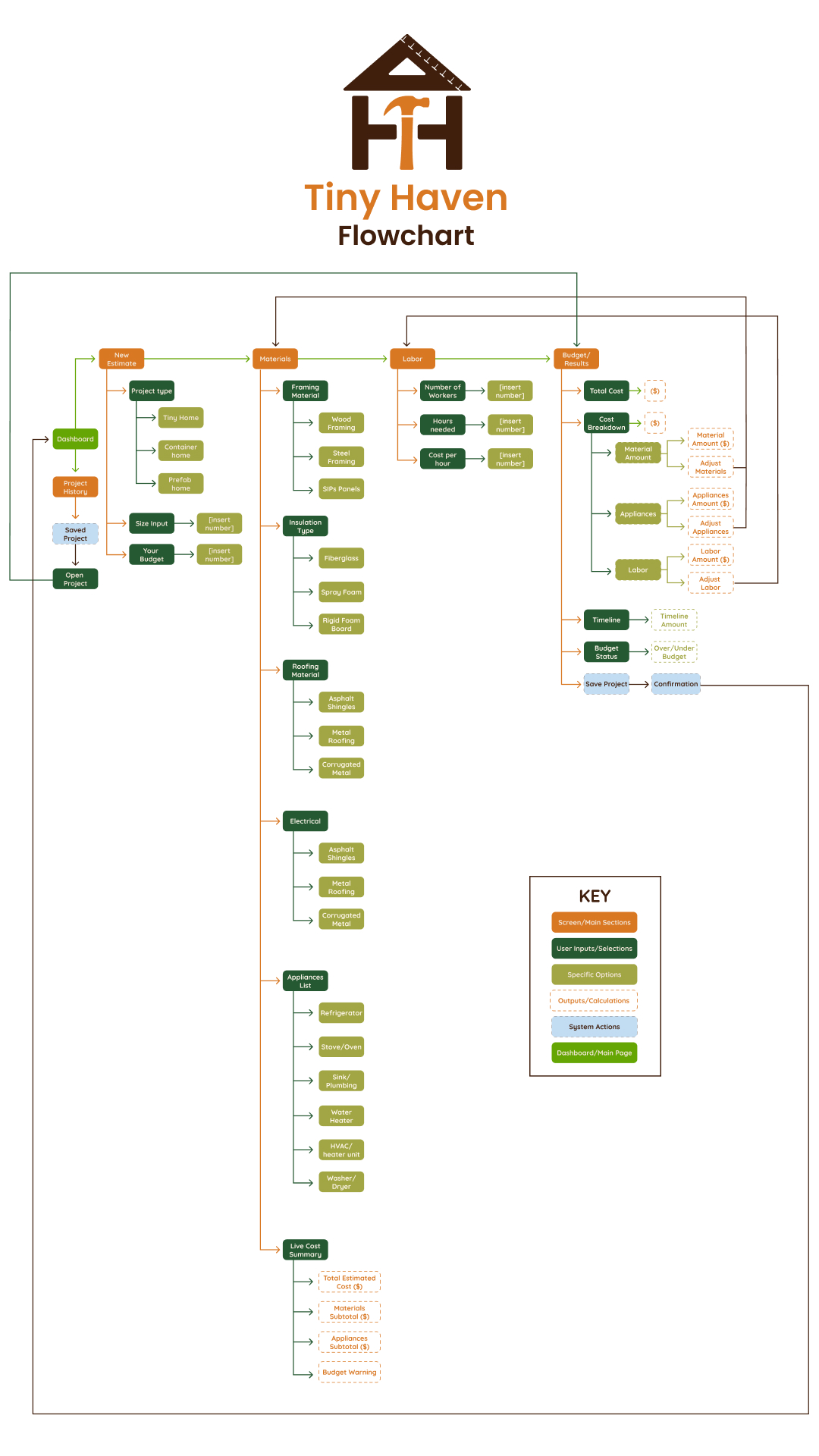
Mapped every possible path a user could take through the app, including the main estimate flow, edge cases such as going over budget, and secondary paths like editing a saved project or accessing settings. The flowchart served as the foundation for all screen and interaction decisions that followed.
Wireframe
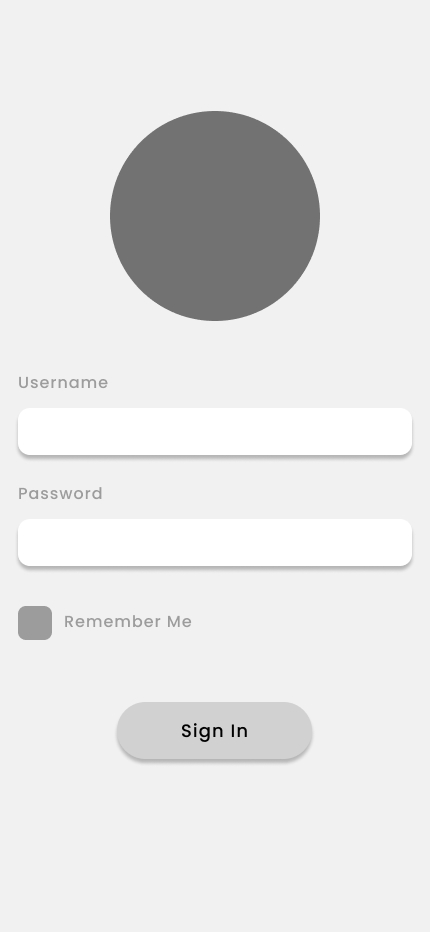
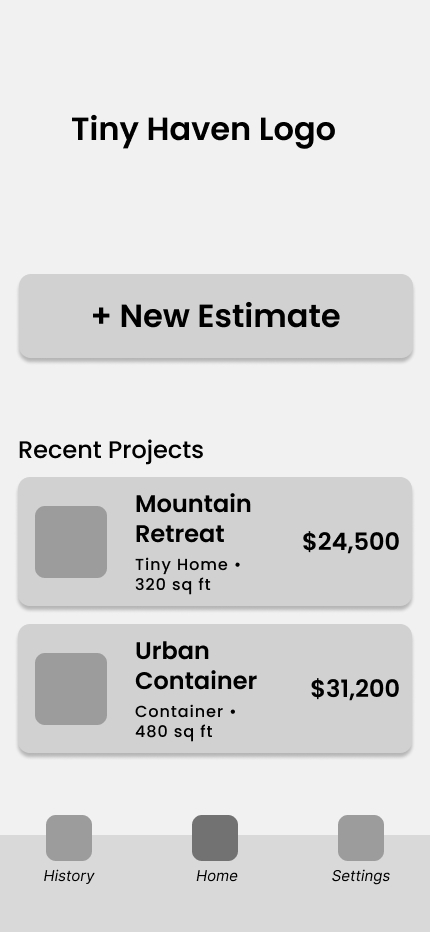
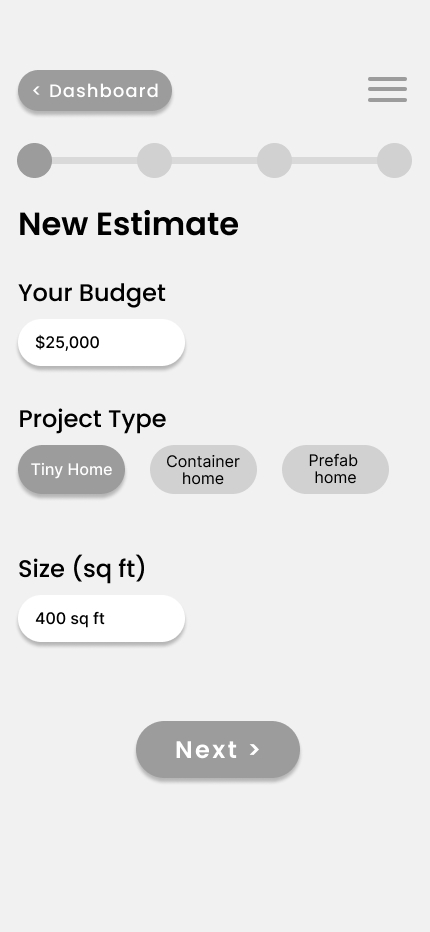
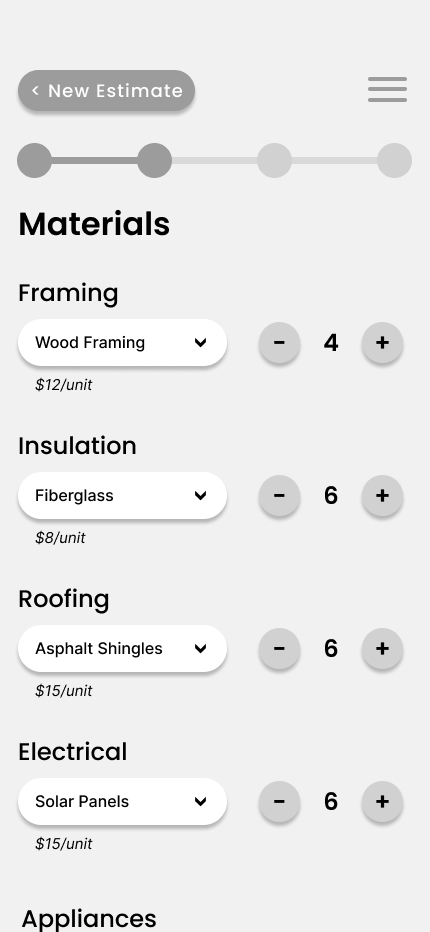
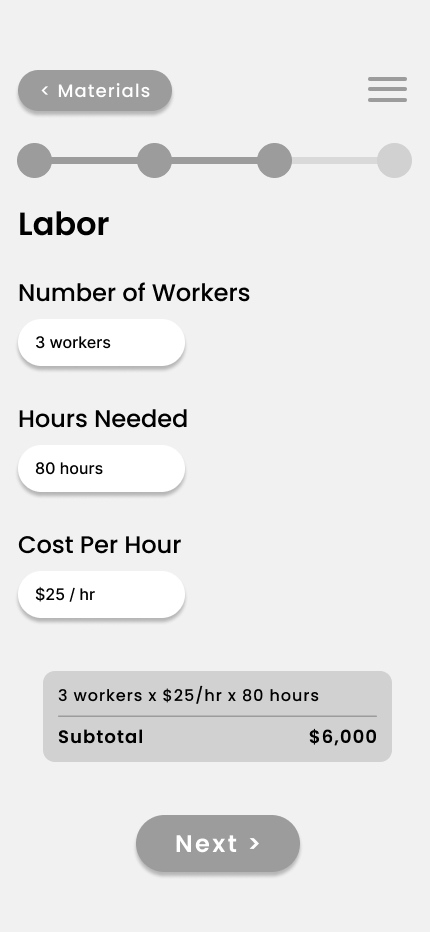
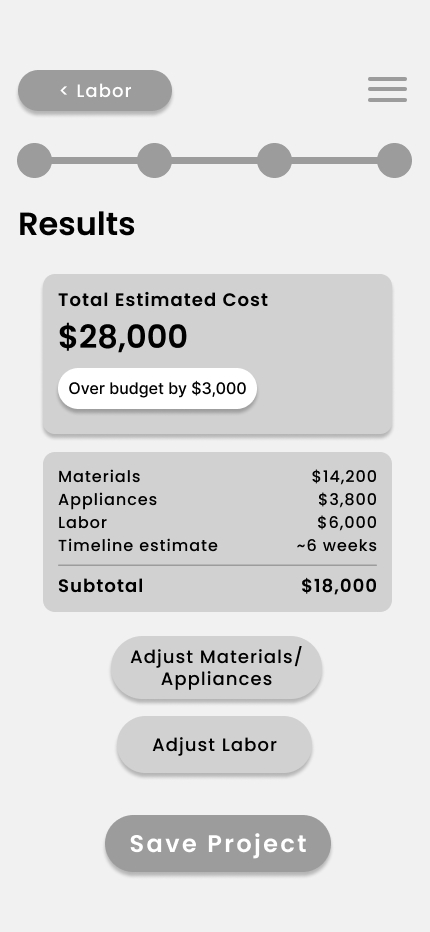
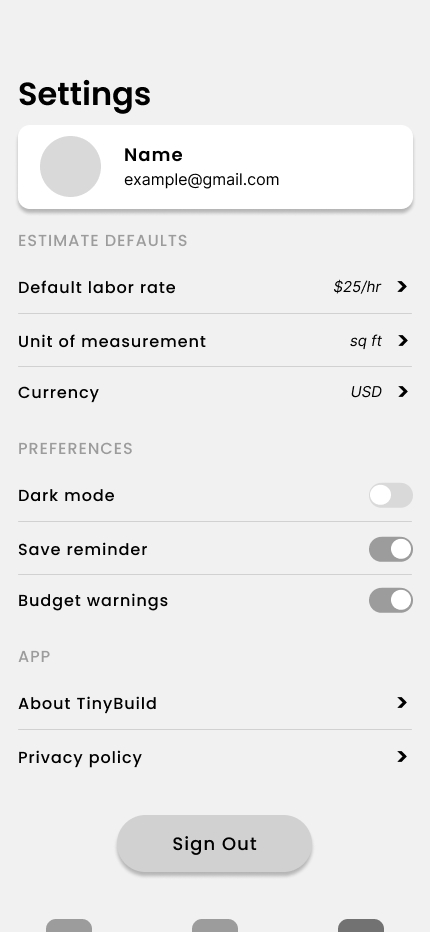
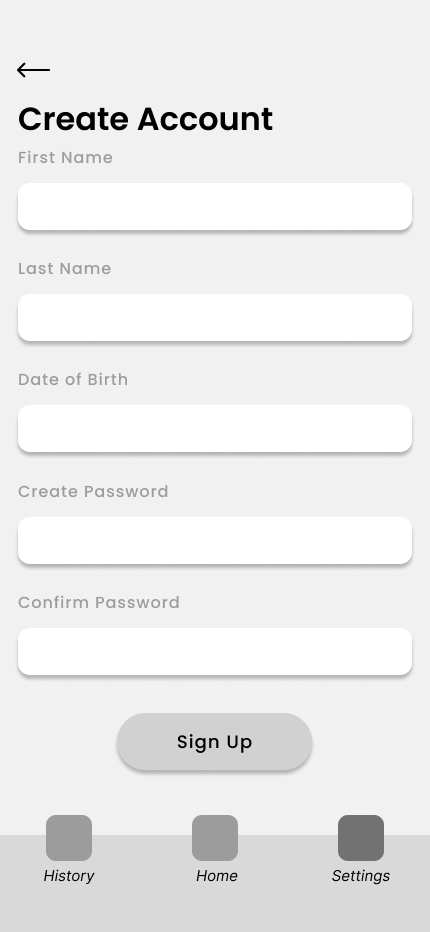
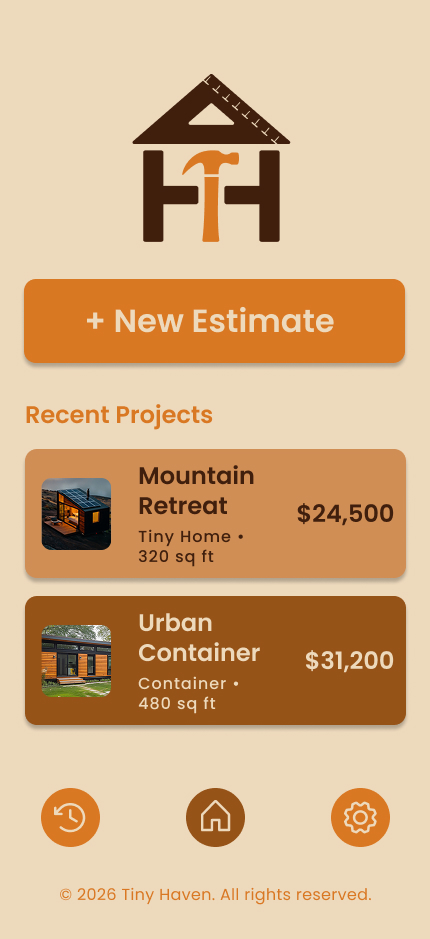
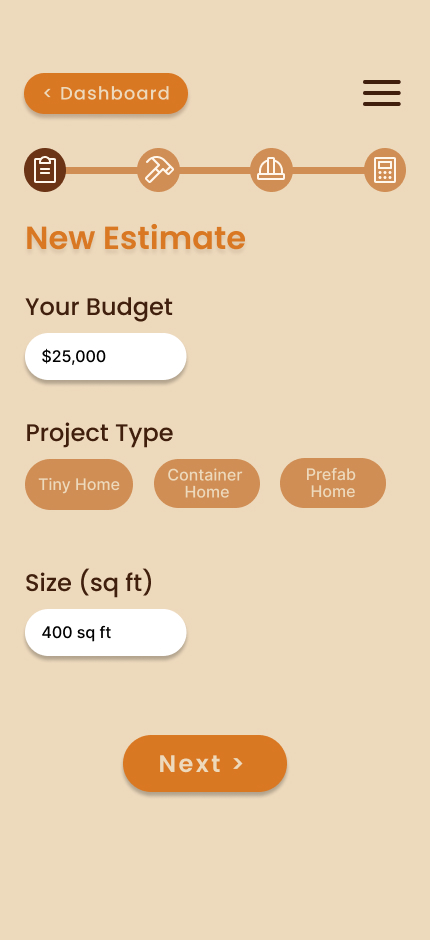
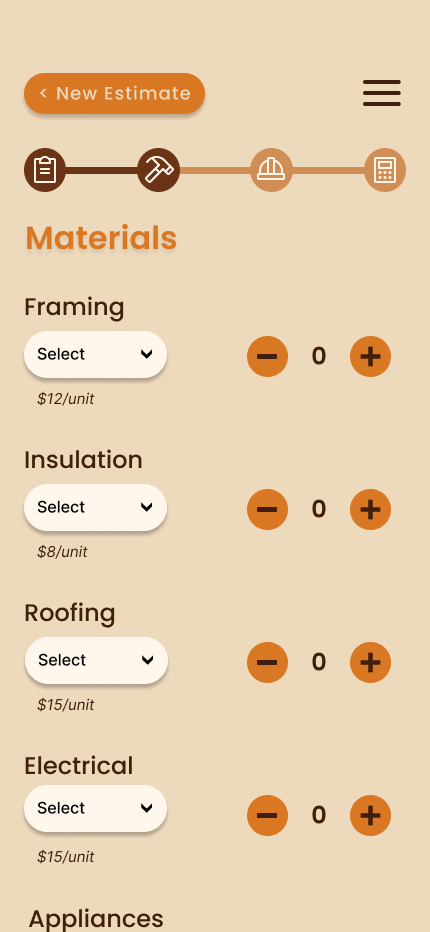
Designed eight core screens covering the full user journey — from the dashboard and project history through the four-step estimate flow and results screen. Key decisions included hiding the bottom navigation bar during the estimate flow to keep users focused, and surfacing a live cost summary on the materials screen so users always know where they stand.
Style Guide
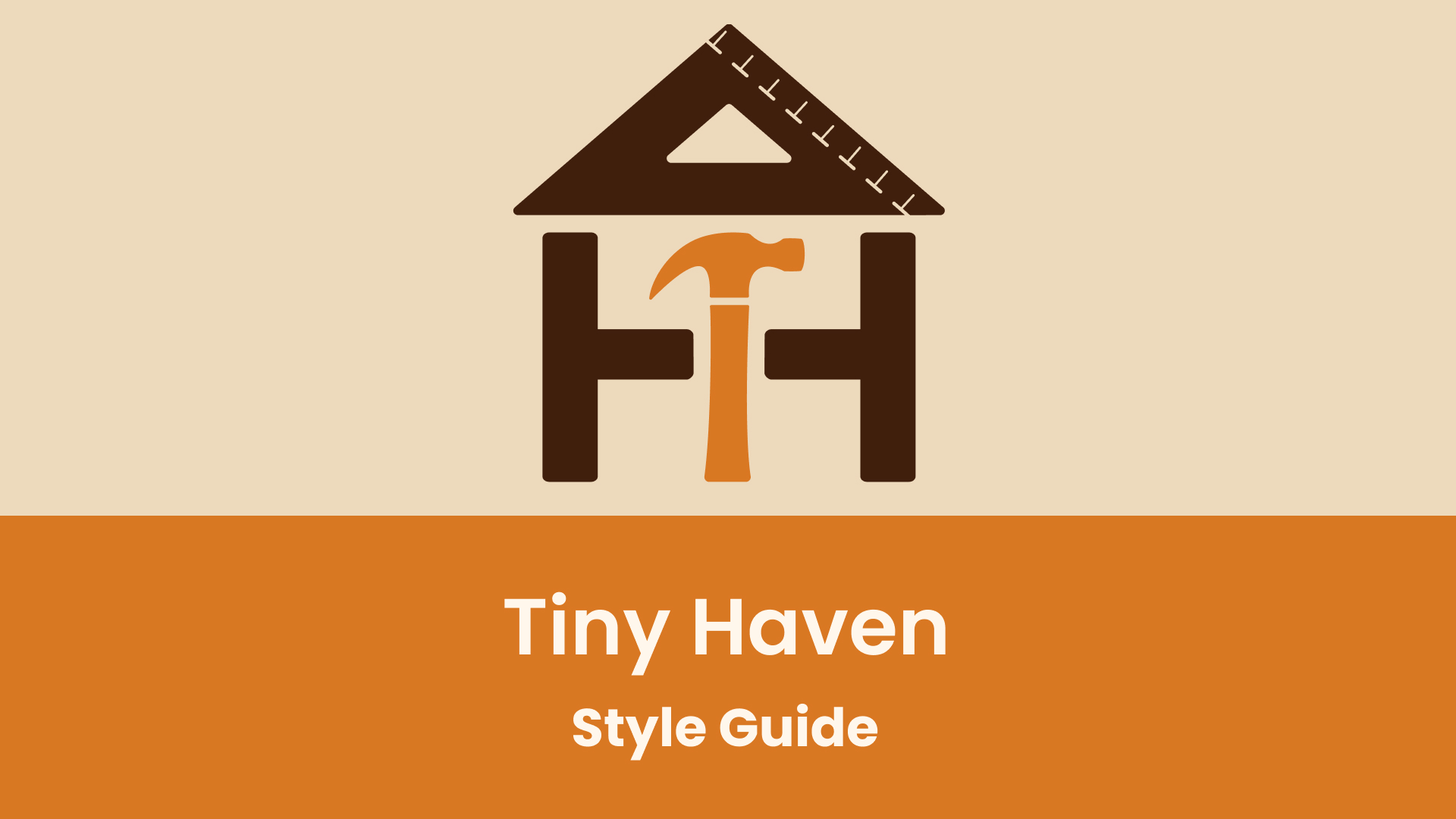
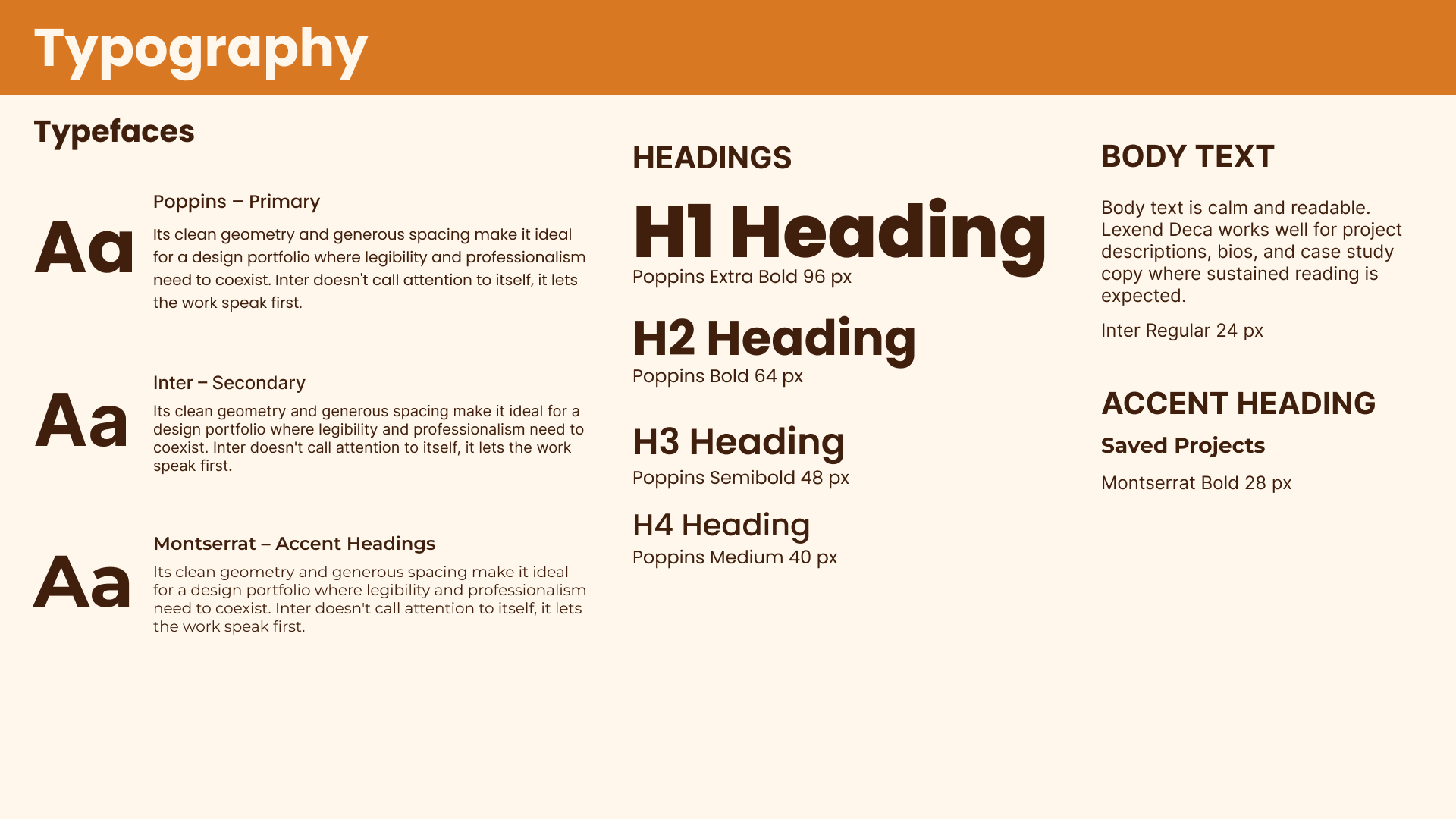
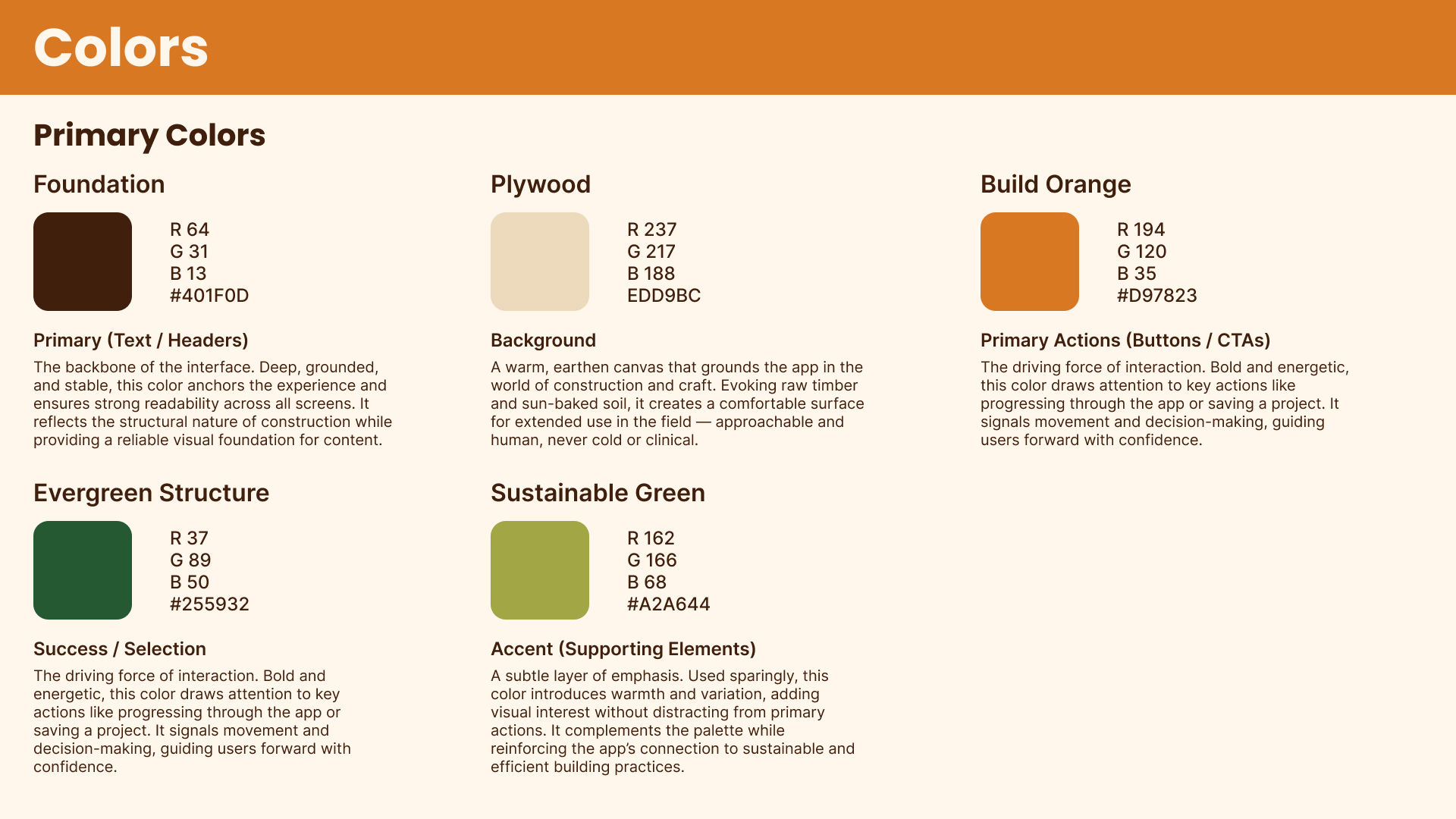
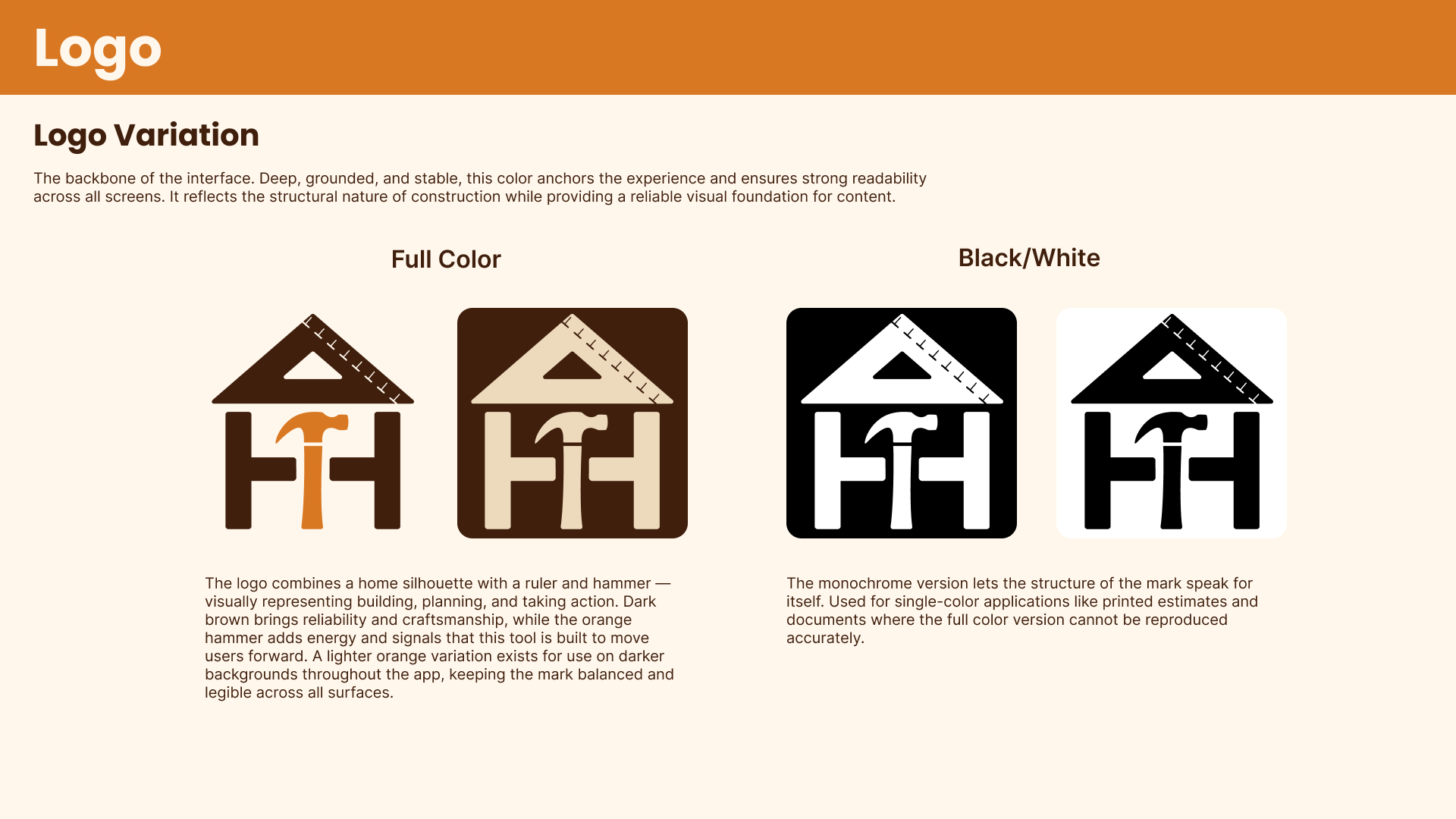
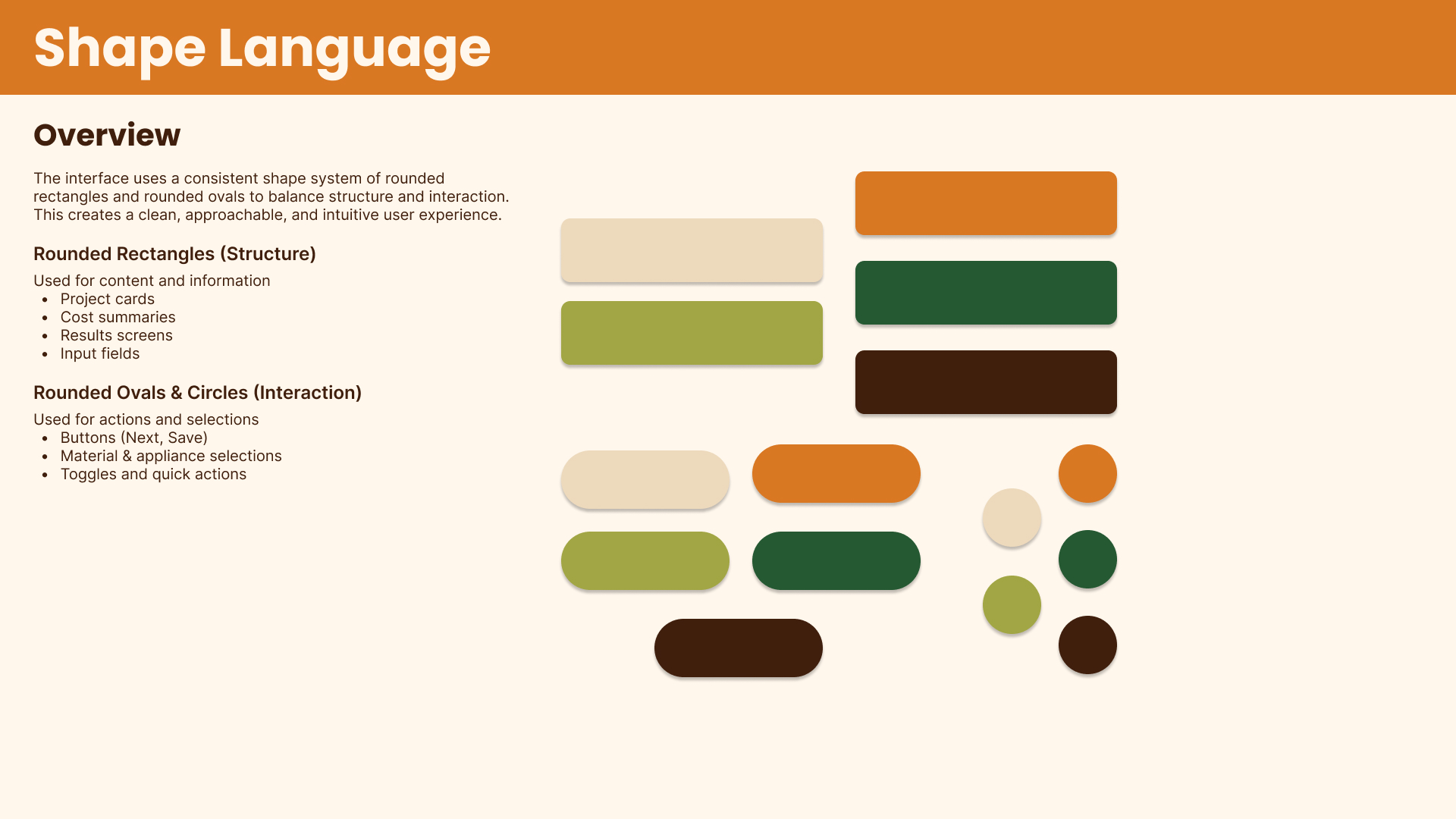
Developed a visual language rooted in the materials and textures of construction. The color palette — anchored by a deep brown, warm tan, burnt orange, and forest green — was chosen to feel grounded and approachable. Each color was assigned a specific role: orange for actions, green for success and confirmation, and brown for structure and text. Typography, spacing rules, and component standards were documented to ensure consistency across the app.
Prototype
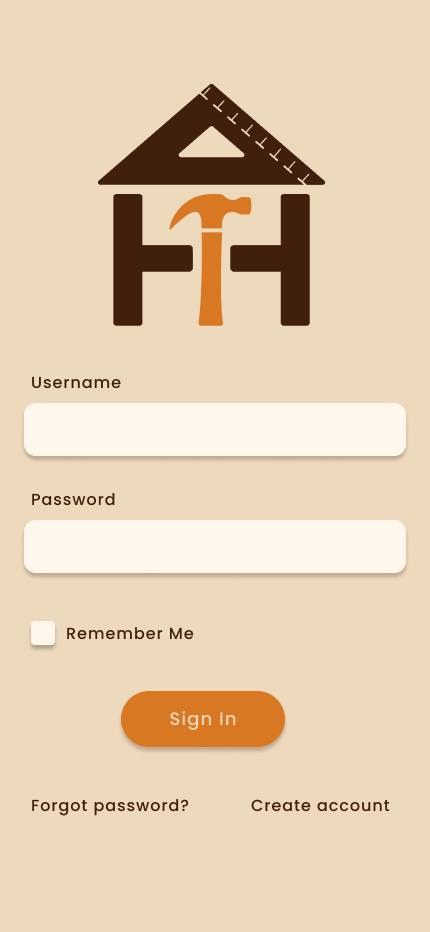
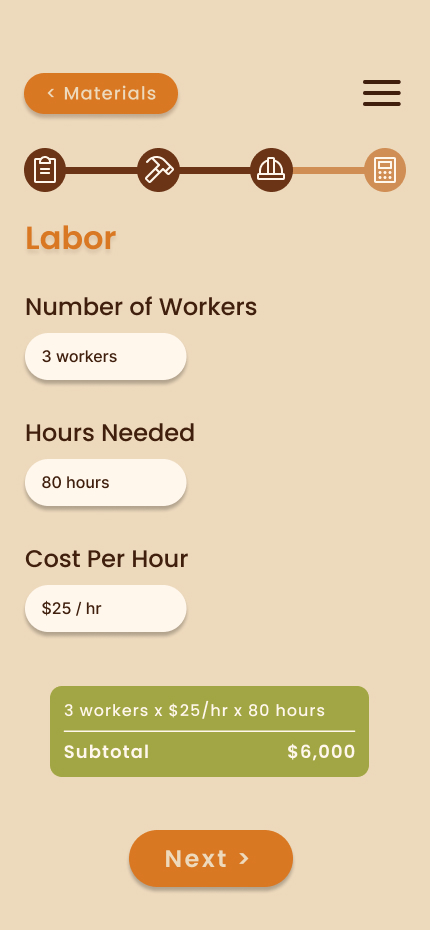
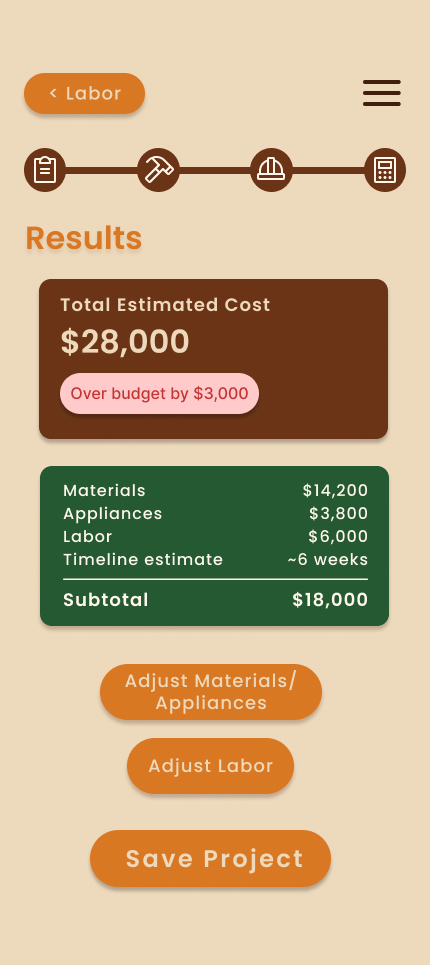
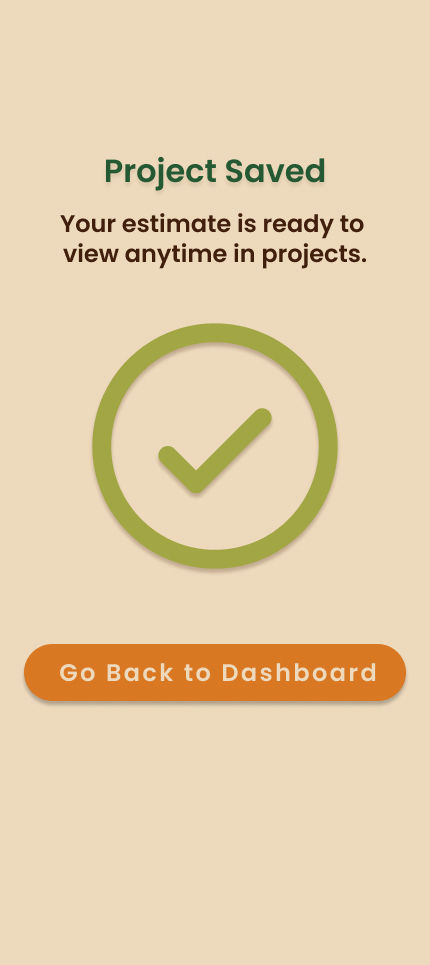
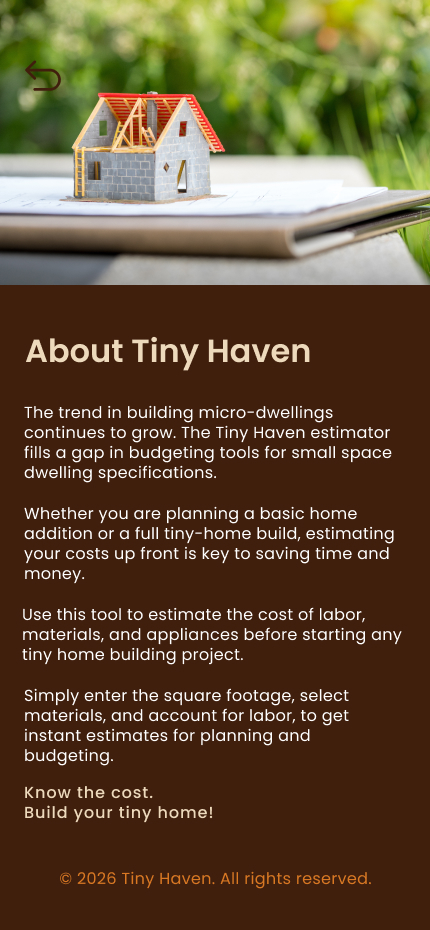
Brought the wireframes to life in Figma as a fully interactive prototype. Built a reusable component library including buttons with multiple states, toggle switches, quantity controls, material rows, appliance selectors, and a hamburger drawer with Smart Animate slide transitions. The prototype was tested on an iPhone 14 & 15 Pro Max to validate spacing, tap targets, and overall flow.
Final Outcome
Delivered a fully interactive mobile prototype including a complete component library, seven connected screens, and a defined visual system. The app demonstrates a full end-to-end UX design process — from problem definition and flow logic through to a tested, on-device prototype ready for developer handoff.

Reflection
Designing TinyHaven strengthened my ability to make intentional UX decisions under real constraints. I learned how much the logic established in the flowchart stage shapes every screen that follows, and how designing for a field-use environment requires prioritizing speed and clarity above everything else. Moving forward, I would invest more time in early user testing to validate flow decisions before moving into high-fidelity design.